Overview
Purpose: Guides user on how to connect to the projectors in the learning hub.
Audience: SD35 Staff
Estimated time to complete: 5 minutes
Prerequisites
Step-by-step Instructions
Step 1: Turn on the projector
- There are two projector remotes in the room. The remote is labelled according to the projector it will work for e.g. "big screen projector"
- Use the black remote on the wall to bring down the big screen to project on.
Step 2: Locate the Wireless Dongle
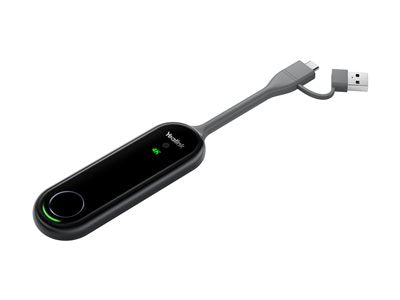
- Plug in to your laptop and the screen will cast on to the projector.
Step 3: Turn off the projector
- Please turn off the projector after the meeting.
Troubleshooting
-
My Macbook laptop is asking me to enter password after I plug the dongle?
-
Please enter the password to allow the dongle to cast your laptop screen to the projector.
Additional Resources
- Contact information for further help.